In order to test the Thrust Carbon API, you first need to have access to the Thrust Calculator so you can generate yourself an API key. If you don't have access, please reach out to your account manager or hello@thrustcarbon.com.
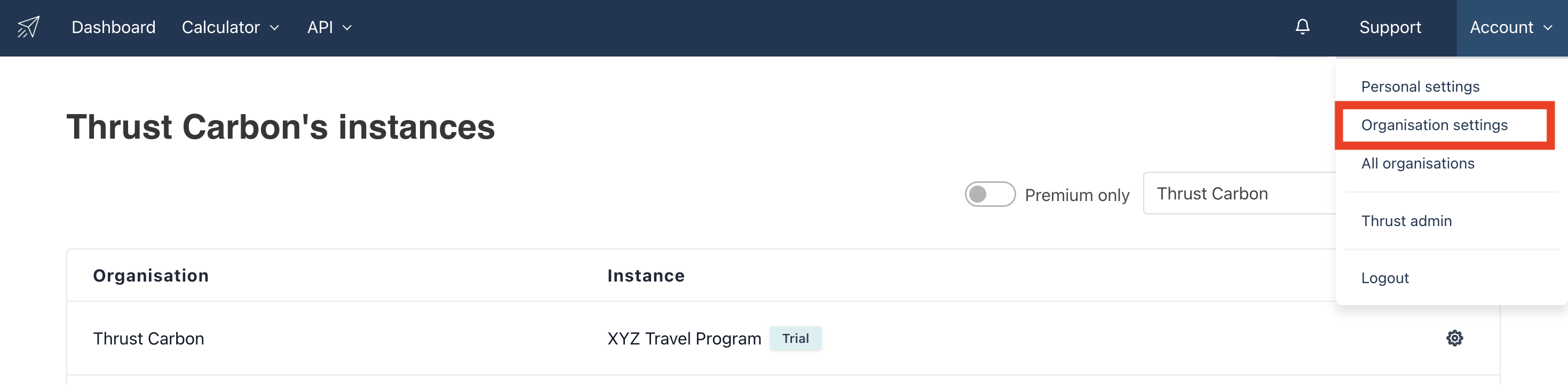
1. Once you've logged in, go to your Organisation settings (top right of the page).
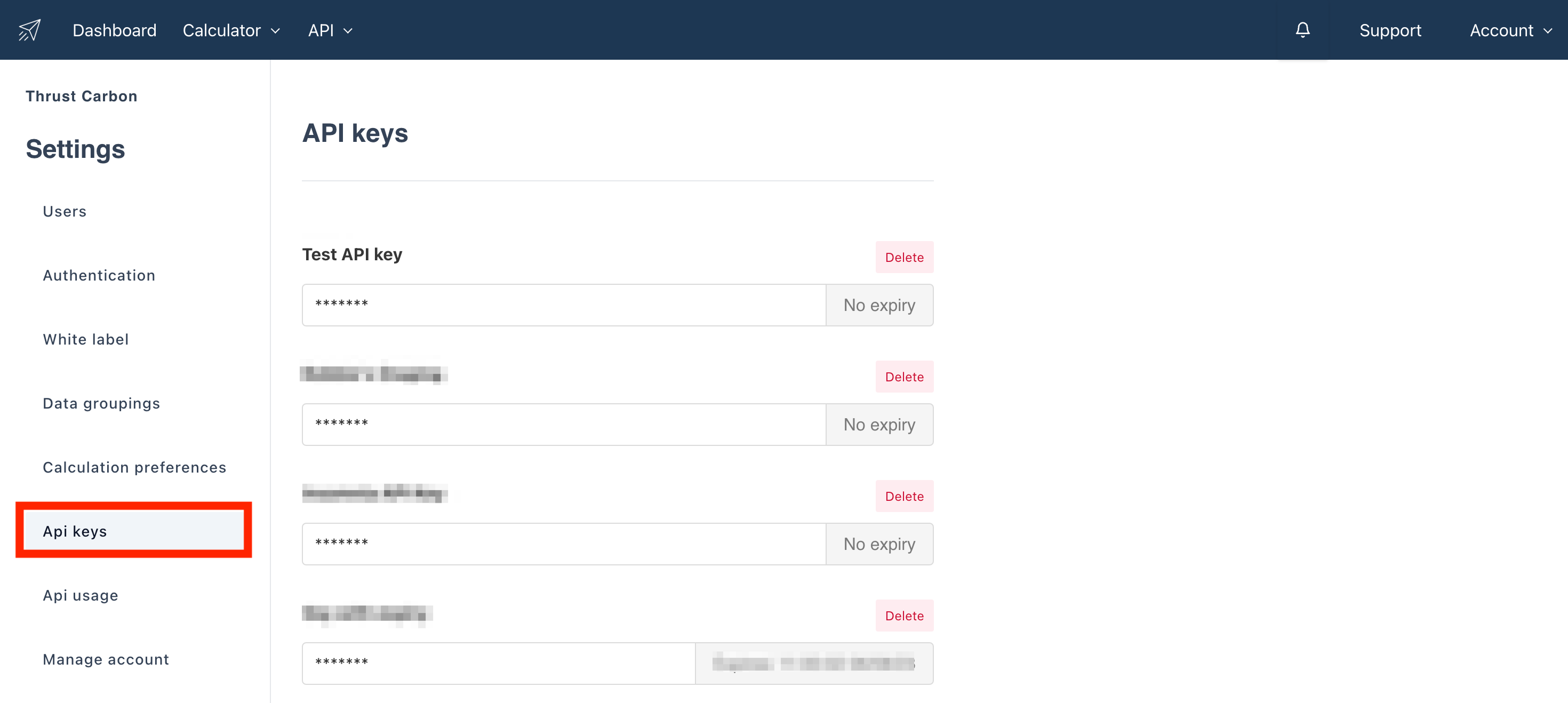
2. Next, go to the API Keys tab as shown below. Next click the "Add API Key" button, you may need to scroll to the bottom of the page.
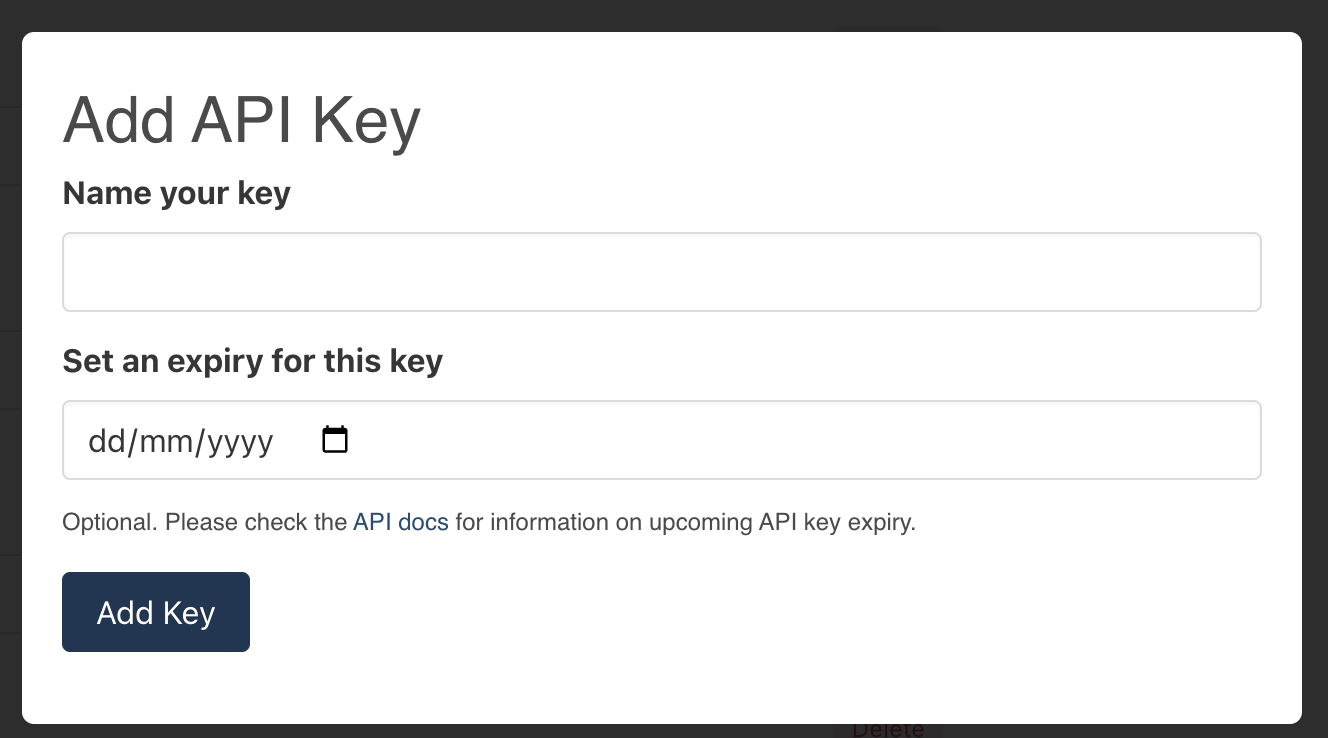
3. Click the Add Key button.
Add the key and set the expiration date if required.
4. You should then copy your key, and store it safely. You won't be able to view your key again. If you lose it, please generate a new key and delete the old one.
Using your Key
When making requests to our API, add a request header with key "Authorization", and value "Bearer ".
Was this article helpful?
That’s Great!
Thank you for your feedback
Sorry! We couldn't be helpful
Thank you for your feedback
Feedback sent
We appreciate your effort and will try to fix the article